
Google Business Profile Optimisation for Caribbean Businesses: Get the Listing Right

An owner invests in a new website. Then, checking the enquiries from the last fortnight, they discover that most of them came through the map listing. Nobody has touched it in two years. The hours are out of date, the latest photograph shows a previous season, and the only person with access left the business months ago.
In a small island market, your Google Business Profile can be one of the busiest front doors your business owns. It is free, but it is often neglected.
By Phoenix Caribbean··11 min read
What the listing does in a small island market
Caribbean markets have smaller search volumes than major metropolitan areas. That means fewer searches, but many local searches come from people with a clear need: finding a nearby shop, calling a professional firm, checking a marina's location or confirming whether a restaurant is open.
A "near me" search or a Maps query can put your listing in front of someone who is already deciding where to go or whom to contact. For that particular intent, a complete and current profile may be more useful than a mediocre website that is hard to navigate on a phone.
Your profile can also help search engines and AI assistants make sense of your business facts. Clear, consistent information about your name, location, opening hours and services gives them a better basis for answering local questions. It does not guarantee that your business will be recommended. For more on how local search differs between markets, see our guide to local SEO across Caribbean islands, and our explanation of GEO for Caribbean businesses.
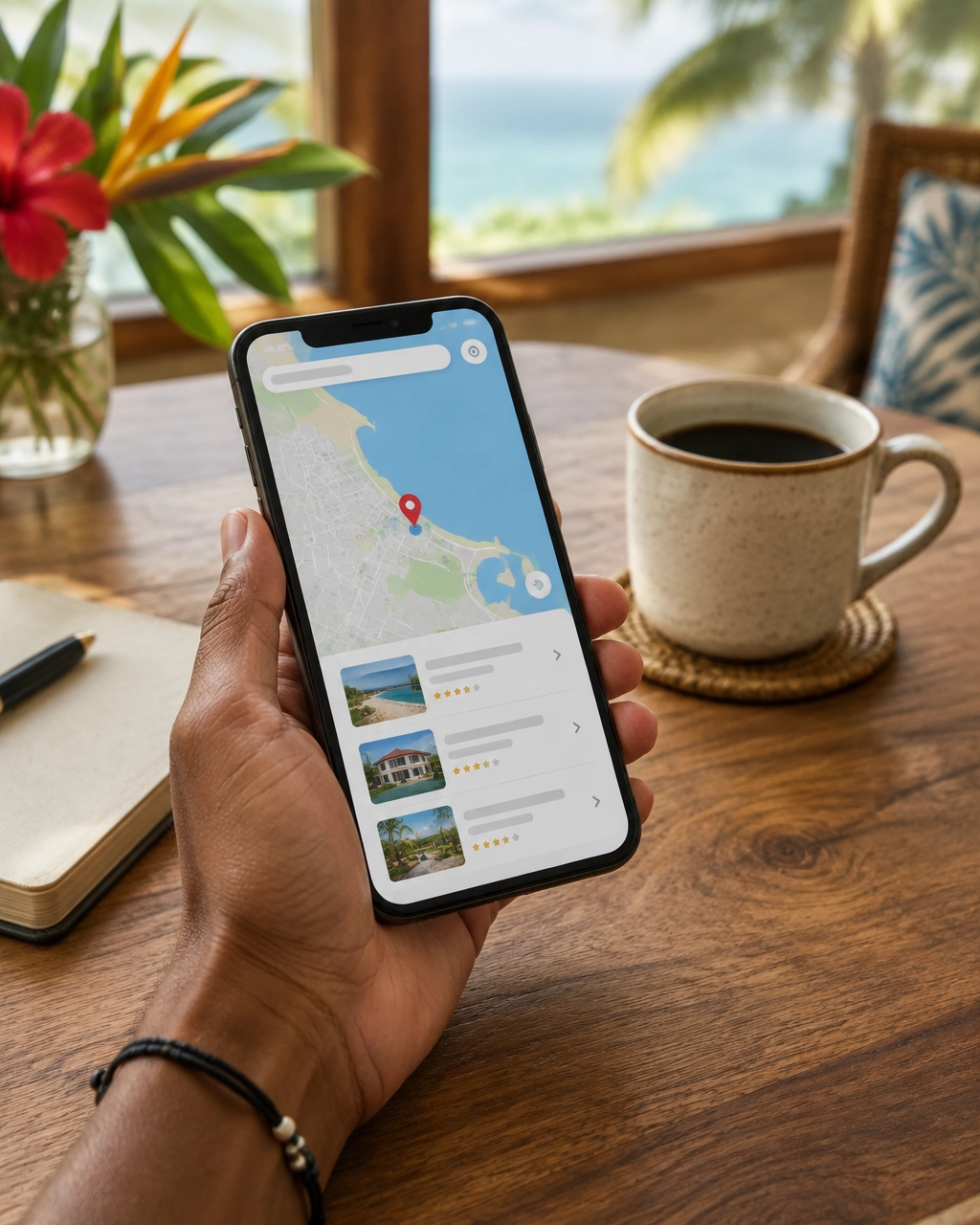
Who is eligible?
A Business Profile is for a business that has in-person contact with customers. Google recognises three common setups:
- A business with a customer-facing location: Customers visit a staffed location during its stated hours.
- A service-area business: You visit customers or deliver to them, but do not receive them at a shopfront.
- A hybrid business: Customers visit your premises and you also travel to customers or serve a defined area.
An online-only business with a virtual storefront and no in-person services is not eligible for a Business Profile. Using an address where your business does not genuinely operate is a policy risk. If you operate online only, focus on a strong website and useful content rather than trying to create a local listing.
For a service-area business, Google allows up to 20 areas, set by city, postal code or another area, not by drawing a radius. The overall area should generally be within about two hours' driving time of the business base. A service-area business should use one profile for the area it serves, rather than creating a separate profile for every place it visits. Check Google's service-area rules before adding locations.
What decides local ranking?
Google says local results are mainly based on relevance, distance and prominence.
- Relevance is how well your profile matches what the person searched for. Accurate categories, services and business information help Google understand that match.
- Distance is how far away the business is from the searcher or the location in their search.
- Prominence is how well-known the business appears to be. Google says this can draw on information such as links to your business and reviews.
You control the quality of your information and can build prominence over time through good service, genuine reviews and a credible online presence. You do not control distance. Google also says there is no way to request or pay for a better local ranking.
Where Caribbean profiles go wrong
- The name does not match real-world signage. Use the name customers see on your premises and across your business, without adding search keywords.
- One listing implies several separate island locations. Make the profile match how the business actually operates. Do not present a service area as a set of staffed branches.
- Seasonal hours are out of date. Review regular and special hours before the busy season, during closures and when opening patterns change.
- Access sits with a former employee or agency in a personal Gmail account. Add a business-controlled account as an owner and keep a second authorised person able to access it.
- Categories are chosen as keywords. Select the most accurate primary category, then add relevant secondary categories only where they truly apply.
- Reviews are neither requested nor answered. Ask customers for honest feedback after service, and reply professionally to positive and negative reviews.
- Photos are old or borrowed from elsewhere. Use recent images of your real premises, team, products or work. Do not present another business's images as your own.
- A duplicate profile remains from a previous provider or relative. Check for duplicates before creating anything new, then follow Google's process to resolve them.
The fields that carry the most weight
Most of a profile is straightforward once you know which fields do the work.
- Business name. Exactly as it appears on your signage and stationery. Adding keywords to a name you do not trade under creates a trust and policy problem, and renaming after verification can trigger re-verification.
- Category. One primary category, specific rather than broad, plus up to nine secondary categories where they genuinely apply. Categories describe what you do, not what you would like to rank for.
- Description. Up to 750 characters, with no URLs and no HTML. Google's advice is to cover what you offer, what makes you distinctive and how long you have been trading, rather than promotions or prices.
- Hours and special hours. Regular hours plus separate special hours for public holidays, Carnival, regattas, closures and the Christmas period.
- Services. Current services with plain descriptions. This is where a hotel, villa manager or marine operator can state what is actually included, which also gives AI assistants something specific to work with.
- Photos and videos. Recent images of the premises, work, team and products. An exterior shot helps a first-time visitor recognise the place when they arrive.
One business, several islands
A business with genuine staffed locations on more than one island may have a profile for each eligible location. A business that serves several islands from a single base does not get to look like a branch network. Google's rules do not allow a profile at an address where the business does not operate, and a service-area business has one profile covering the area it serves.
Where you need to show depth in each island market, that work belongs on your website, with useful pages per market rather than one listing stretched across the region. Our guide to local SEO island by island covers that side of it.
A weak listing vs a strong listing
- Business name
- A weak listing
- Keywords or variations not used in the real world
- A strong listing
- Name matches genuine signage and business identity
- Category
- A weak listing
- Several loosely related categories
- A strong listing
- Accurate primary category and relevant secondary choices
- Description
- A weak listing
- Vague wording or repeated search terms
- A strong listing
- Plain-English explanation of services and customers
- Hours
- A weak listing
- Standard hours left unchanged all year
- A strong listing
- Regular and special hours reflect actual opening
- Photos
- A weak listing
- Old, generic or sourced elsewhere
- A strong listing
- Recent, genuine images of the business
- Services
- A weak listing
- Missing or unclear
- A strong listing
- Current, relevant services described accurately
- Reviews
- A weak listing
- No requests and no replies
- A strong listing
- Honest requests and considered replies
- Access
- A weak listing
- One former provider holds control
- A strong listing
- Business-controlled owner access, with providers added appropriately
Verification, explained properly
Verification is required before a profile can show on Google Search and Maps. Google may offer different verification methods. For video verification, the recording must be live, unedited and continuous, at least 30 seconds long, and captured and uploaded through the Business Profile on a mobile device. Pre-recorded clips are not accepted.
Do not show other people's faces, identity documents or sensitive numbers. The video should demonstrate that the business exists and that you are authorised to manage it:
- Storefront or hybrid business: Show the location, signage that matches the profile name, and evidence of management, such as access to a staff-only area or point-of-sale.
- Service-area business: Show where you operate, your tools or equipment, and business documents that support the business's identity.
Google says video review can take up to five business days. Changing the address after verification triggers re-verification. See Google's instructions for video verification.
One related detail worth knowing: Google may occasionally contact the verified phone number by automated call, text or WhatsApp to confirm business details, and any information you provide in response may be used to update the profile. If a message like that looks doubtful, sign in to your profile directly rather than replying to it.
If you have no permanent signage, do not improvise with a temporary sign just for the recording. Check that your business is eligible as represented and ask Google what verification options are available. A home-based service business should show evidence of its work and operation without exposing private information or an address customers do not visit. Where street addressing is informal, include recognisable location context and evidence of the business's work, while keeping the recording continuous and avoiding other people's faces.
Keep ownership with the business
Google distinguishes between owners and managers. Owners can add or remove users and delete the profile; managers can edit business information and handle day-to-day profile activity, but cannot add or remove users or delete the profile. A profile has one primary owner.
A newly added owner or manager cannot delete the profile, remove other users or transfer primary ownership during their first seven days. Google manages access through the People and access screen in the profile settings. Its owners and managers guidance explains the roles.
If an agency or developer holds the profile under their own Google account, ask them to add a business-controlled account as an owner. A provider can be given appropriate access to do the work, but control should sit with your business. Our guide to who owns your Caribbean business website covers the wider question of account access and handover.
A yearly rhythm of upkeep
A profile needs attention when the business changes, not just when somebody remembers it exists.
Before and after high season, review opening times and add special hours for public holidays or planned closures. In many tourism markets, high season begins around now, so this is a useful time to check the details customers will rely on. Review Christmas and New Year closures before they arrive, and update opening patterns again when low season begins.
Also update the profile when you add services, change rates that are shown publicly, refurbish a property or business, or have new photographs that better represent the experience. Publish a post when there is something useful to say, such as a real service update or seasonal change. Do not post just to create activity.
If you do only four things this month
- Confirm the name, category, phone number, website and address or service area.
- Check regular hours and enter upcoming special hours.
- Replace inaccurate or dated photos with current images you own or have permission to use.
- Confirm that a business-controlled account has owner access.
Reviews, handled honestly
Use Google's review link or a QR code to make it easy for a customer to leave feedback. Ask soon after a service or visit, when the experience is still fresh. Ask for an honest review, not a particular rating or wording.
Reply to all reviews, including negative ones. A thoughtful reply gives prospective customers context and shows that someone is paying attention. A mix of positive and negative feedback can also read as more credible than a profile with only glowing comments.
Offering discounts, gifts or other incentives in exchange for reviews is prohibited by Google's policies. Google's automated spam detection removes reviews it considers spam, and some genuine reviews are filtered too. A missing review is usually not something a provider can fix. Google's review guidance explains what businesses can and cannot do.
Measure actions, not just attention
A verified profile's performance data can include interactions, searches, views, calls, website clicks, directions requests, messages and bookings where relevant and available. The precise set depends on the business and features enabled. Google says searches data updates at the start of each month and can take up to five days to appear. Performance data requires a verified profile. See Google's performance guide.
For many Caribbean businesses, calls, website clicks and directions requests are closer to a booking or sale than views. Start with what a customer did, then look at the searches and views that may have led to it. Monthly view counts alone can look impressive without showing whether anyone contacted you.
If your website is part of that customer journey, it also needs to work well on mobile networks. See our practical guide to website speed on Caribbean mobile networks.
What it costs, and when to get help
The tool is free. The real cost is the time needed to keep details current, take useful photographs and reply to customers consistently.
If you ask a provider to manage the profile, be clear about what the fee covers: for example, an audit, corrections, review process, seasonal updates or reporting. It should not buy a promise of placement. No provider can guarantee a better local ranking.
Google advises businesses to be transparent about performance and to work with one third party at a time. Treat these as warning signs: guaranteed placement, claims to work for Google, threats that the provider can remove your business, or pricing that changes after you sign. Read Google's guidance on third-party providers and our guide to choosing a digital marketing agency in the Caribbean.
Do it in-house
- You keep direct control and build familiarity with the profile.
- Routine updates can be handled by someone who knows the business.
- It takes time, and important changes can be missed during busy periods.
Use a provider
- A specialist can audit the listing, resolve access issues and set up a consistent upkeep process.
- You still retain ownership and visibility of the work.
- Choose a provider for clear deliverables and communication, not ranking promises.
Check the listing before the busy season
Review the details customers rely on, confirm business ownership of access, update seasonal hours and replace photos that no longer represent the business. Those four steps are a practical place to start.
If a part of the profile needs specialist time, the Phoenix Caribbean team can help you assess it. Explore our SEO and GEO services, or contact us for a straightforward conversation.
Sources and further reading
- Business Profile guidelines and eligibility - Google Business Profile Help
- Manage owners and managers - Google Business Profile Help
- Verify your business with a video - Google Business Profile Help
- Service-area businesses - Google Business Profile Help
- Business Profile performance - Google Business Profile Help
- Working with third-party providers - Google Business Profile Help
- Tips to get more reviews - Google Business Profile Help
- Edit your Business Profile - Google Business Profile Help
Last updated by the Phoenix Caribbean team, Road Town, Tortola, British Virgin Islands.
Frequently asked questions.
Related guides.
Local SEO in the Caribbean: Why Island-by-Island Search Optimisation Wins You Customers
Why island-by-island local SEO outperforms a generic Caribbean strategy: Google Business Profile, location pages, NAP consistency, reviews, seasonality, costs, timelines and how GEO fits in.
Who Owns Your Caribbean Business Website? Domain, Hosting and Data Ownership Explained
A practical ownership guide for Caribbean businesses: what you should control across domain, hosting, DNS, content, analytics and customer data, how to check it in an afternoon, and what to put in writing.
Generative Engine Optimisation (GEO): how Caribbean businesses get cited by AI
What Generative Engine Optimisation is, how it differs from SEO, and the practical steps Caribbean businesses can take to be cited by ChatGPT, Copilot, Gemini and Perplexity.
Want a second view on your Google Business Profile?
Book a free 30-minute consultation and we will help you check what your listing is missing and what to fix first.
Book a free 30-minute consultation